From booking to paid in two steps
This is a week at a hall with three rooms: invoices chased at the desk, and a refund made from a phone.
-
Step 1
Chase what is still owed
Open the invoices awaiting payment and send the reminders.
The list puts the oldest unpaid invoice first. Open one to see its hirer, the booking it came from and every payment so far, then send the reminder from the same screen.
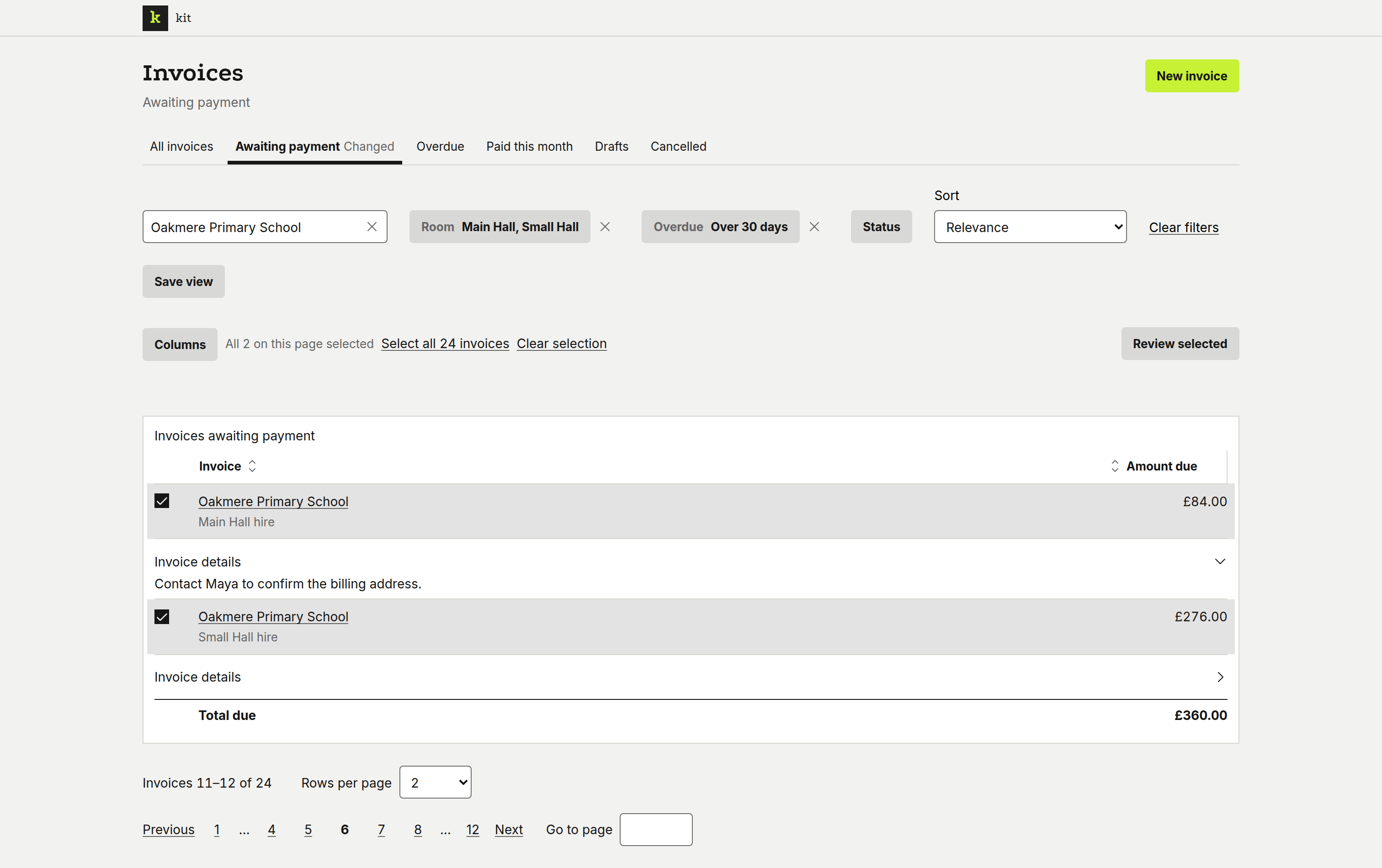
The invoices awaiting payment, oldest first. 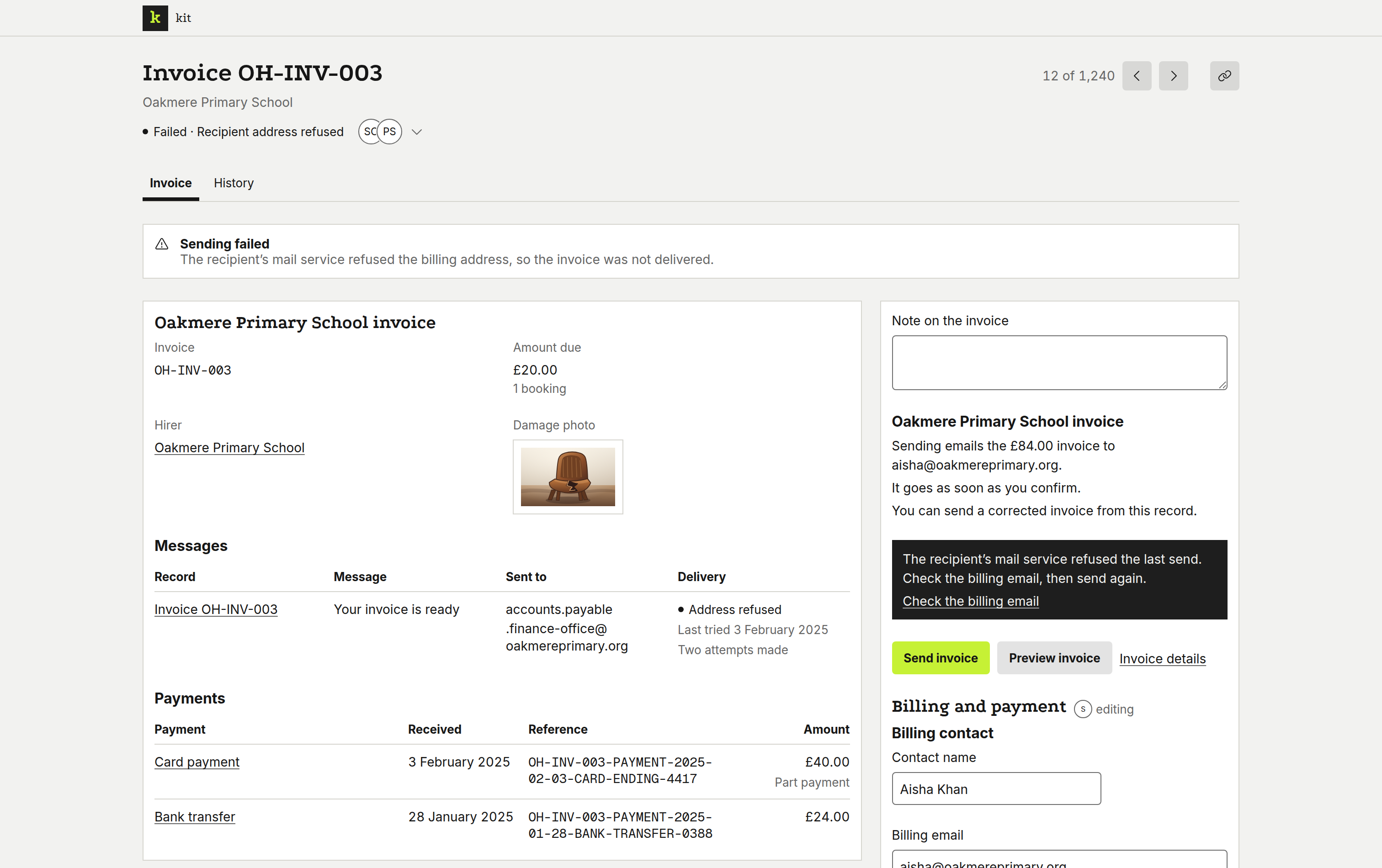
One invoice, with its hirer and its payments. -
Step 2
Refund a hirer from a phone
Open the invoice, review the refund and confirm it.
A hirer cancels while you are away from the desk. Find their invoice from the phone, check the amount going back and confirm; the hirer gets the refund notice at once.
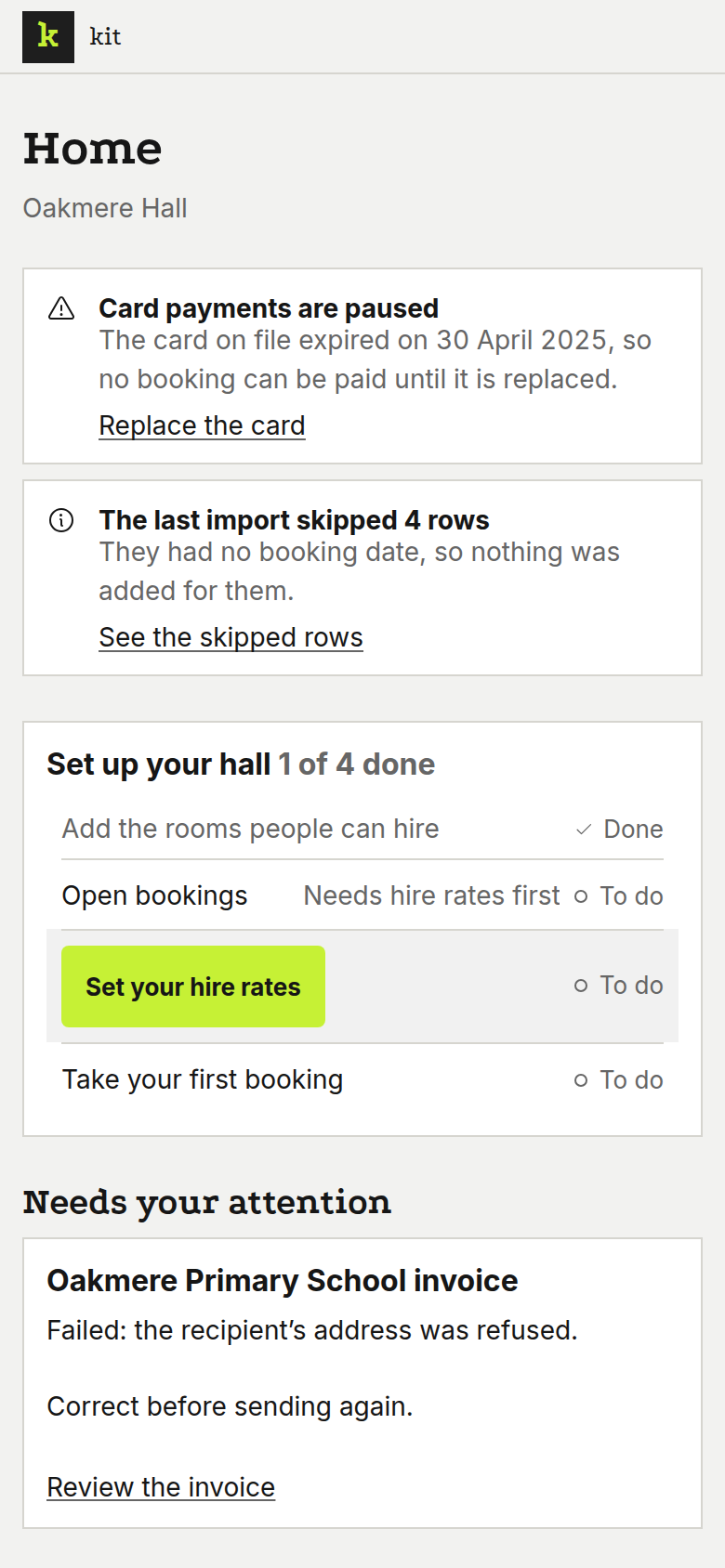
Home shows what needs you today. 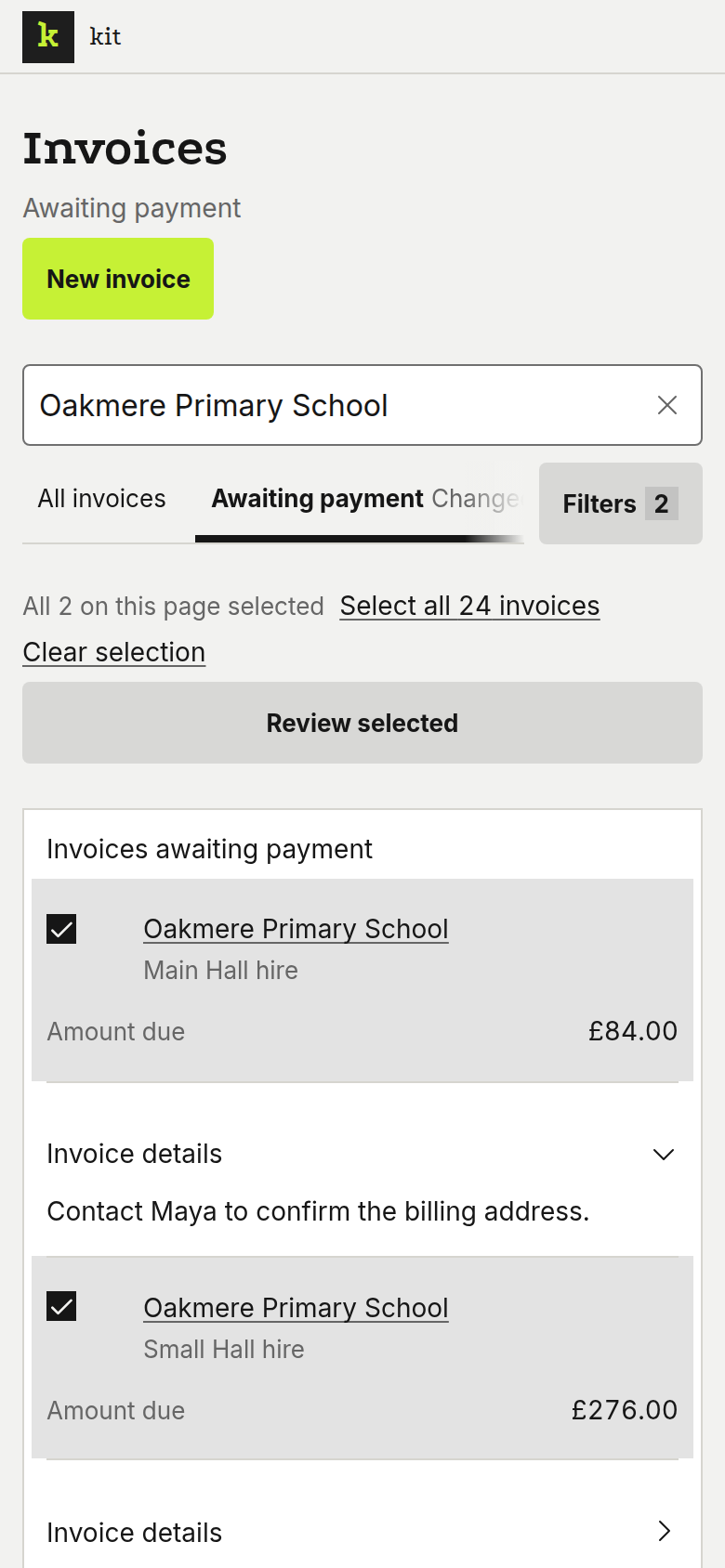
Find the hirer's invoice. 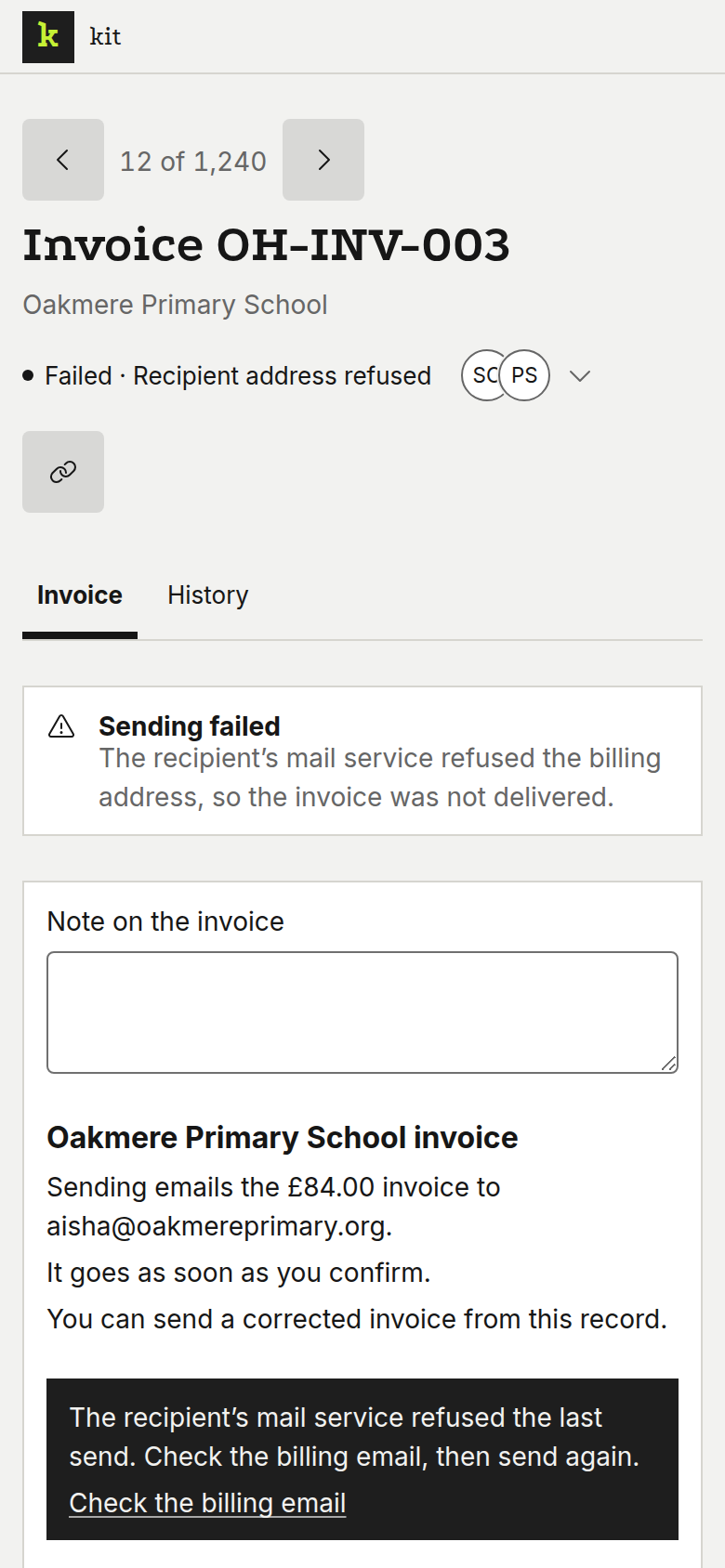
Open it to see what was paid. 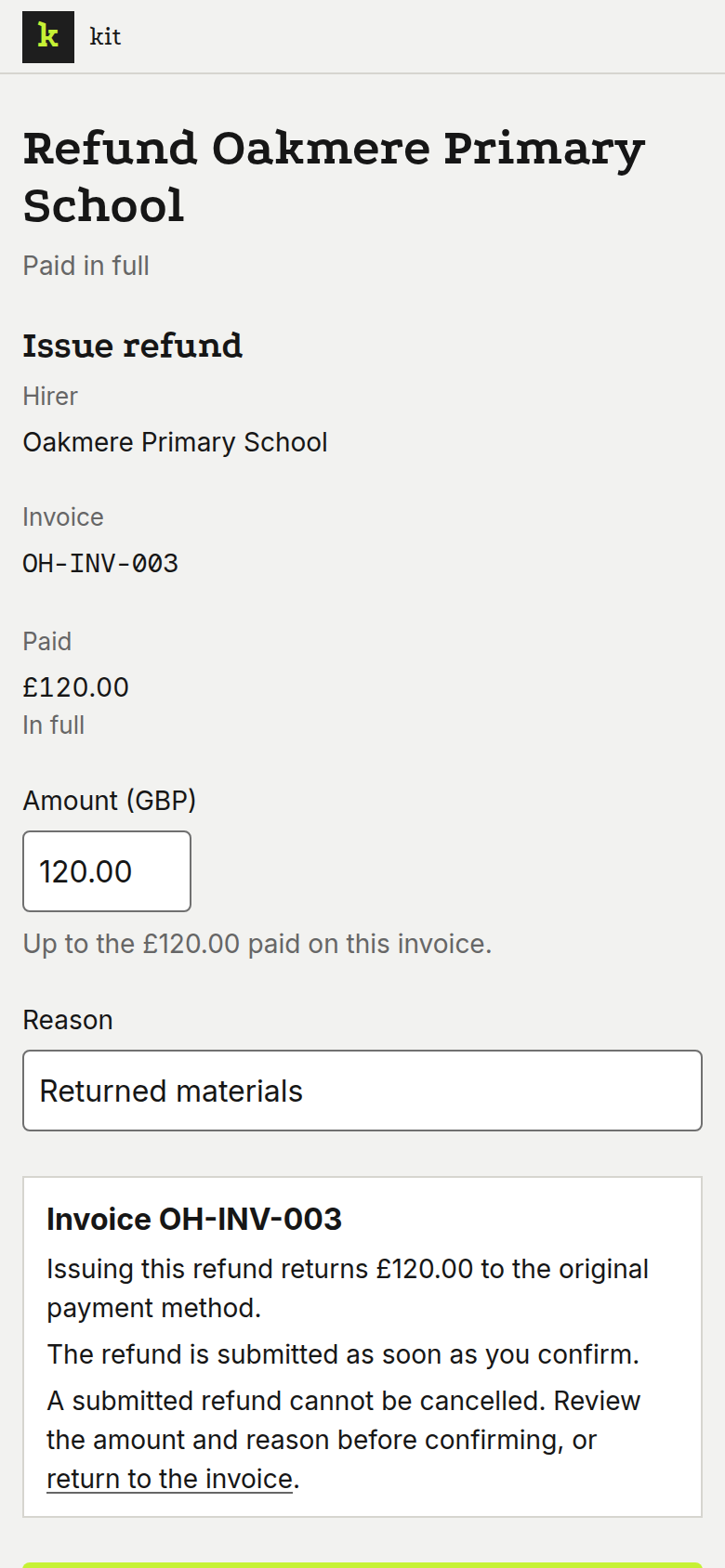
Review the refund and confirm.
Start with one hall and grow into it
The free plan runs one hall with no end date and no card.